Keyboard Shortcut
390 posts, newest first. Page 1 of 11. Looking for one key? See the keyboard shortcut reference.
-
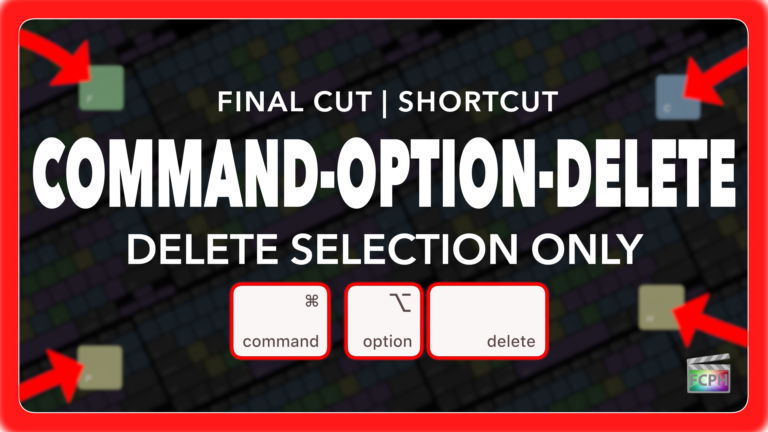
Final Cut Pro Shortcut | Command-Option-Delete | Delete Selection Only
If you’re an editor working in Final Cut Pro, you know how critical it is to maintain precise timing while cutting, trimming, and deleting clips. But…
-
Final Cut Pro Shortcut | X | Select Clip Range
The X shortcut in Final Cut Pro is more useful than many editors realize. When your playhead or skimmer is positioned over a clip, pressing X sets a range…
-
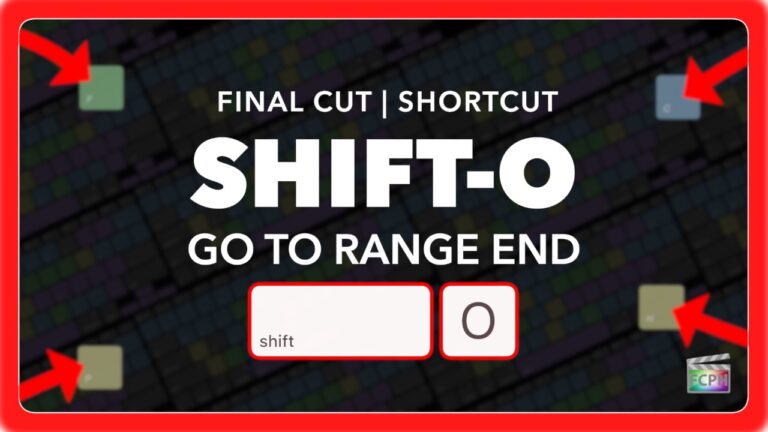
Final Cut Pro Shortcut | Shift-O | Jump to Range End
If you’ve ever felt lost navigating your timeline while marking ranges in Final Cut Pro, you’re not alone. Quickly moving between your In and Out points…
-
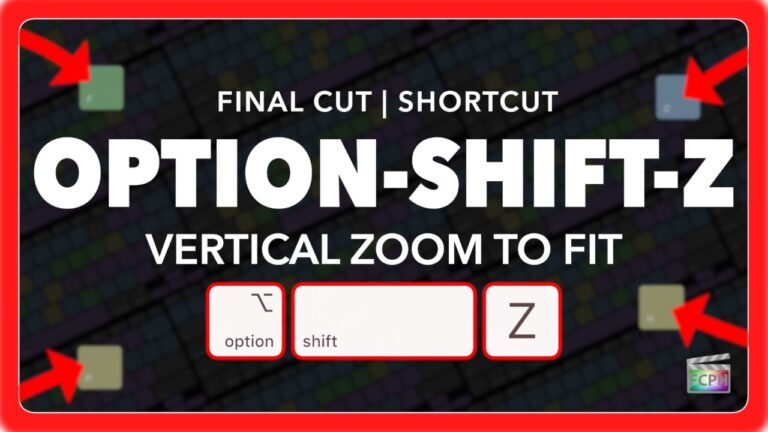
Final Cut Pro Shortcut | Option-Shift-Z | Vertical Zoom to Fit Timeline
If you're editing videos in Final Cut Pro, you know how important it is to keep your workflow smooth and efficient. One of the lesser-known but incredibly…
-
Final Cut Pro Shortcut | Control-V | Show and Hide Video Animation
As a Final Cut Pro editor, you're likely aware of keyframes and that they are used for animation. Whether you're adjusting position, scale, opacity, or…
-
Final Cut Pro Shortcut | Option-5 | Switch to Multicam Angle 5
If you're an editor working with multicam clips in Final Cut Pro , you know how important it is to have quick access to various camera angles while you…
-
Final Cut Pro Shortcut | Shift-Command-7 | Show or Hide Angle Viewer
If you're editing a video with multiple camera angles in Final Cut Pro , you'll hopefully discover how important it is to use Multicam clips. One of the…
-
Final Cut Pro Shortcut | Command-F | Find (Search)
If you're an editor working in Final Cut Pro , you know how important it is to work quickly and efficiently, especially when dealing with large projects…
-
Take Control with Control-E and the Precision Editor
When it comes to fine-tuning video edits in Final Cut Pro , precision is everything. Whether you're working with complex timelines, intricate transitions…
-
Final Cut Pro Shortcut | Option-Y | Duplicate as Audition
If you’re editing in Final Cut Pro , you know how important it is to make quick decisions about your clips. Whether it’s testing out different takes…
-
How To Set The Multicam Monitoring Angle In Final Cut Pro
If you’re an editor working with multi-camera setups, or various angles in Final Cut Pro, you know how crucial it is to have a streamlined workflow. The…
-
How To Change The Size Of The Final Cut Pro Inspector
Final Cut Pro X changed the Final Cut landscape, some say for the worse, when it traded multiple windows for a single customizable workspace. The…
-
Intro to Browser Filters in Final Cut Pro With Control-C Shortcut
As an editor, efficiency is key when it comes to managing complex timelines and projects. Utilize the filters in the Final Cut Pro browser to help locate…
-
How to Use the Control-Shift-S Keyboard Shortcut in Final Cut Pro to Detach Audio
Final Cut Pro is a powerful video editing software used for everything from basic edits to complex productions. One of its most useful features is the…
-
How to Use the Shift-Command-Right Arrow Keyboard Shortcut in Final Cut Pro for Multi-Camera Editing
When it comes to editing footage shot with multiple cameras, efficiency is key. Editors often need to switch between different camera angles quickly to…
-
How to Use the Shift-Up Arrow in Final Cut Pro for Efficient Selection
When you're editing in Final Cut Pro , efficiency is key. One of the lesser-talked about but incredibly useful keyboard shortcuts is Shift-Up Arrow …
-
Utilize the Option-A Keyboard Shortcut to Create an Adjustment Clip (Adjustment Layer) in Final Cut Pro
Final Cut Pro is a powerful video editing tool, offering various features to enhance workflow efficiency. One of its newest features is one that has been…
-
How to Use the Command-I Keyboard Shortcut to Import Media in Final Cut Pro
Whether you’re working on a complex film project or a quick video edit, one of the essential tasks you’ll perform in Final Cut Pro is importing media…
-
Understanding the Shift-Y Shortcut in Final Cut Pro: Enhancing Audition Workflows
Final Cut Pro is packed with powerful features designed to streamline the editing process and make your workflow more efficient. One such feature that can…
-

How to Use the Command-Y Keyboard Shortcut to Create Auditions in Final Cut Pro
Final Cut Pro offers powerful tools for editing, but sometimes it’s not enough to just cut and trim your footage. As you work through a project, you may…
-

How to Use the Control-Option-C Keyboard Shortcut for Adding Captions in Final Cut Pro
Final Cut Pro offers a wealth of powerful editing tools, and one of the most important features for video editors working with accessibility or…
-

How to Use the Select (Arrow) Tool in Final Cut Pro: A Handy Guide for Editors
If you're an editor using Final Cut Pro , mastering the keyboard shortcuts can drastically improve your workflow. One of the most commonly used shortcuts…
-

Mastering the "Cut & Switch to Viewer Angle 9" Shortcut in Final Cut Pro
If you're an editor working with multi-camera footage in Final Cut Pro , you know how crucial it is to be able to quickly switch between angles and make…
-

How to Use the Command-Delete Shortcut in Final Cut Pro for Efficient Editing
In Final Cut Pro, Command-Delete runs the Move to Trash command. Final Cut Pro describes it simply: it moves the selection to the Finder Trash. It's the…
-

Option-Command-Click in Final Cut Pro: Not a Default Keyboard Shortcut (How to Move Clip Connections)
If you search Final Cut Pro's default command set for Option-Command-Click , you won't find it. It isn't a default keyboard shortcut in Final Cut Pro's…
-

Mastering Final Cut Pro: How to Use the Option-Shift-X Shortcut to Cut Keyframes
Keyframes animate things like position, scale, opacity and effect settings over time. When an animation is in the wrong place, or belongs on a different…
-

How to Use the Option-Shift-I Shortcut in Final Cut Pro to Play From Beginning
Final Cut Pro is a powerful video editing tool that offers a wide array of shortcuts to help editors work more efficiently. One of the most useful…
-

How to Use the Option-Command-M Shortcut in Final Cut Pro to Match Colors Quickly
As any video editor knows, achieving consistent color grading across multiple clips is one of the most important (and time-consuming) aspects of…
-

Mastering Final Cut Pro: How to Use the Shift-I Keyboard Shortcut to Speed Up Your Editing Workflow
Final Cut Pro is a powerful tool for video editing, and as any seasoned editor knows, efficiency is key to creating high-quality content while meeting…
-

How to Use the Command-T Keyboard Shortcut to Add Default Transitions in Final Cut Pro
If you're a video editor working in Final Cut Pro , efficiency is key. One of the most useful keyboard shortcuts to speed up your editing workflow is…
-
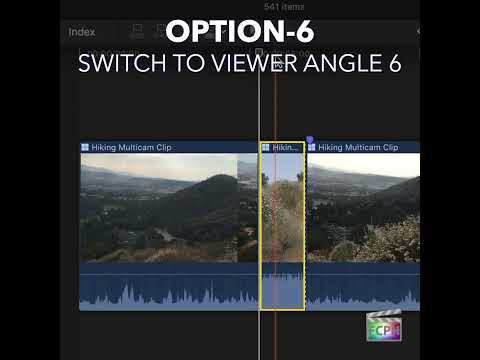
How to Use the Option-6 Shortcut in Final Cut Pro for Multi-Camera Editing
If you're an editor working with Final Cut Pro , you know that efficiency is key. Whether you're cutting a live event, interview, or a concert with…
-

Option-Down Arrow in Final Cut Pro: Move the Selection Down
In Final Cut Pro's default command set, Option-Down Arrow is the Move Down command. Apple describes it simply: it moves the selection down by one unit. It…
-
Mastering the Option-J Keyboard Shortcut in Final Cut Pro: Play In Reverse at 1/2 Speed
If you're an editor working in Final Cut Pro , you know that having quick, precise control over playback can make all the difference in your workflow. One…
-

How to Use the Option-K Shortcut to Add Keyframes in Final Cut Pro
If you're a Final Cut Pro editor, you're likely familiar with the power of keyframes to animate and control visual effects over time. Whether you're…
-
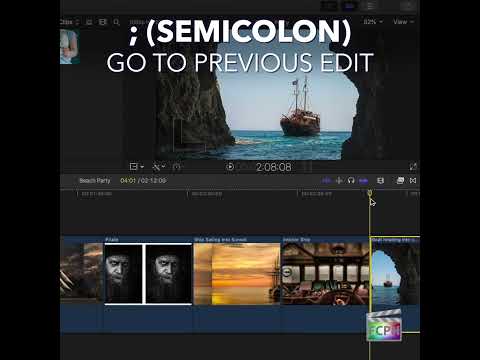
How to Use the ; (Semicolon) Shortcut to Navigate Edits in Final Cut Pro
When editing in Final Cut Pro , speed and precision are key to a smooth workflow. One of the most helpful yet underutilized keyboard shortcuts for…
-

Mastering the Command-C Shortcut in Final Cut Pro: A Quick Guide for Editors
As an editor, efficiency is key—especially when you're working on complex projects with numerous clips, effects, and adjustments. One of the most basic…