Tips & How-To
570 Final Cut Pro tutorials, keyboard shortcuts and tips, newest first in each topic. Looking for a course? Start with the Quick Start or the full In-Depth Course.
Keyboard shortcut reference: every shortcut tutorial in one list, by key.
Final Cut Pro tutorials
-

How to Use the Control-Delete Shortcut in Final Cut Pro: A Guide for Editors
If you’re an editor using Final Cut Pro , you know how important it is to stay organized while working with a large amount of footage. Sometimes, certain…
-
Editing A Rough Cut: Final Cut Pro Techniques for Clips, Transitions, Text, and Music
In this video tutorial, we delve into the process of building a rough cut using Final Cut Pro. We start by organizing our imported media and creating a…
-
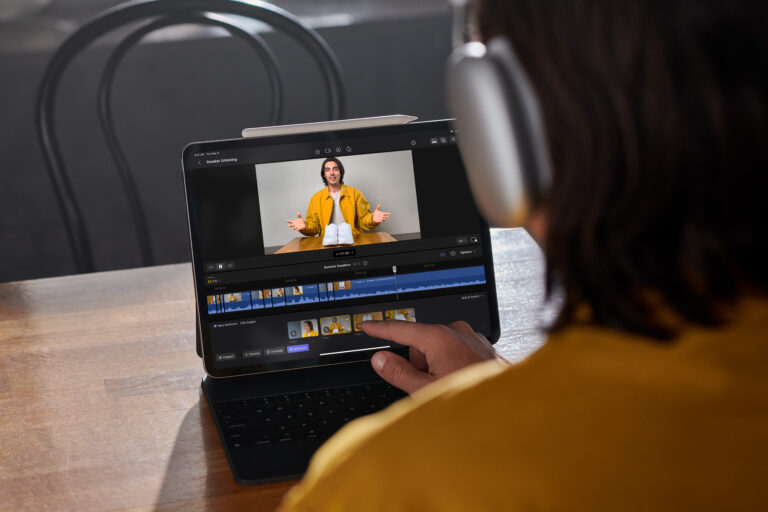
Final Cut Pro Comes to iPad: The Future of Mobile Video Editing
The news that Final Cut Pro is now available on the iPad is a big deal for content creators. With this application, users can
-
Ram
Watch this video for tips about getting a compatible computer for editing video with Final Cut Pro.
-
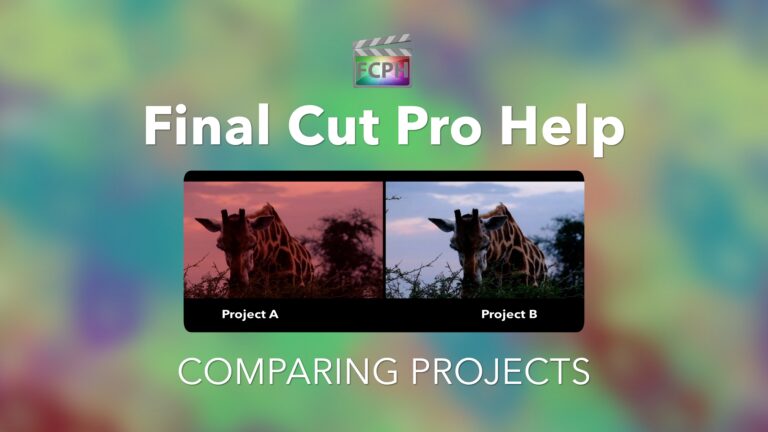
How to compare two projects side by side in Final Cut Pro
Playing back two projects side by side is a helpful way to visually compare them. Final Cut Pro includes a comparison viewer that allows an editor to…
-

How to Download and Use the Final Cut Pro Adjustment Layer Template
If you’re a student of video editing, chances are you’ve heard of Final Cut Pro. It’s one of the most popular and powerful software programs for creating…
Keyboard Shortcut
-
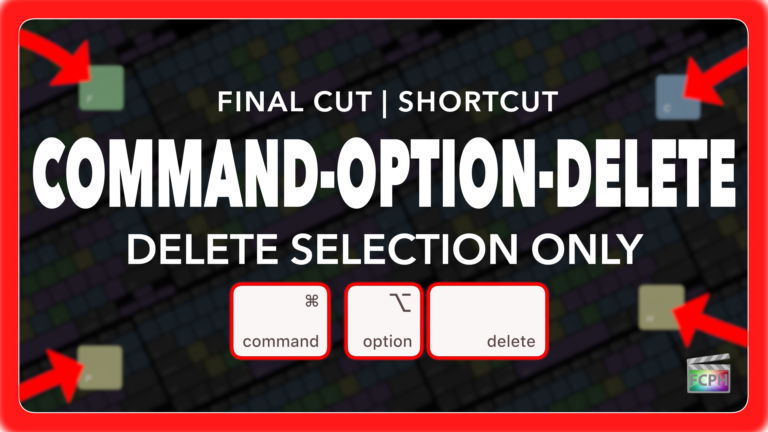
Final Cut Pro Shortcut | Command-Option-Delete | Delete Selection Only
If you’re an editor working in Final Cut Pro, you know how critical it is to maintain precise timing while cutting, trimming, and deleting clips. But…
-
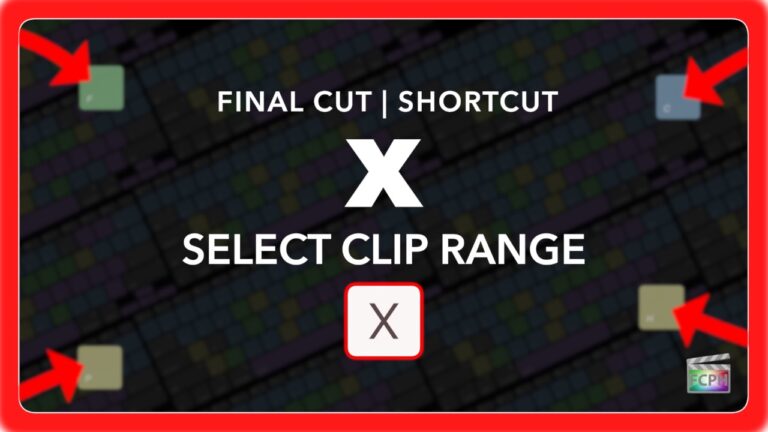
Final Cut Pro Shortcut | X | Select Clip Range
The X shortcut in Final Cut Pro is more useful than many editors realize. When your playhead or skimmer is positioned over a clip, pressing X sets a range…
-
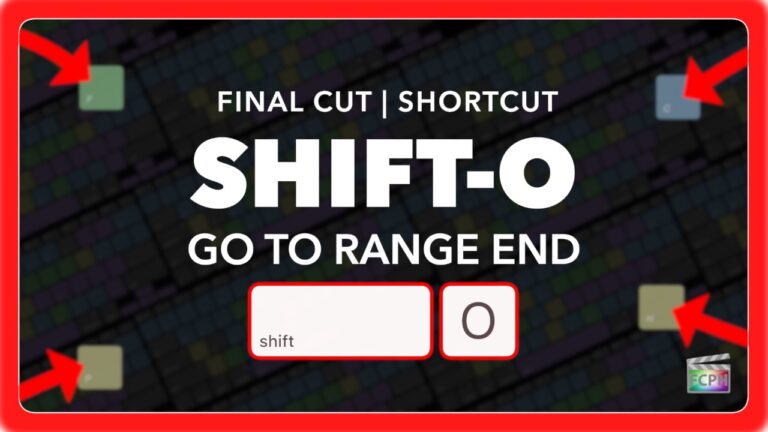
Final Cut Pro Shortcut | Shift-O | Jump to Range End
If you’ve ever felt lost navigating your timeline while marking ranges in Final Cut Pro, you’re not alone. Quickly moving between your In and Out points…
-
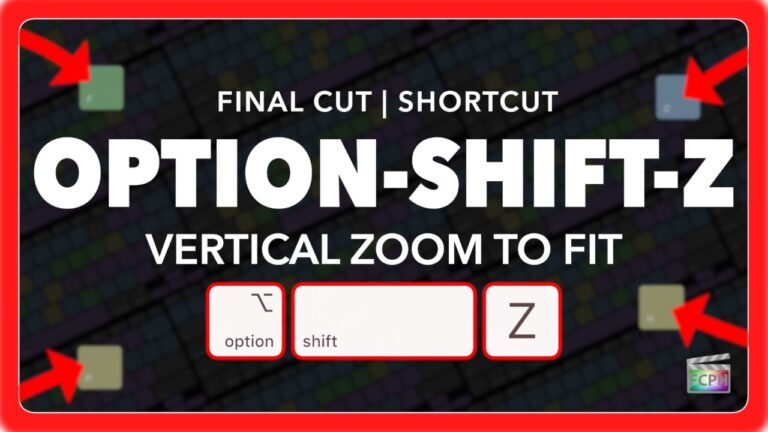
Final Cut Pro Shortcut | Option-Shift-Z | Vertical Zoom to Fit Timeline
If you're editing videos in Final Cut Pro, you know how important it is to keep your workflow smooth and efficient. One of the lesser-known but incredibly…
-
Final Cut Pro Shortcut | Control-V | Show and Hide Video Animation
As a Final Cut Pro editor, you're likely aware of keyframes and that they are used for animation. Whether you're adjusting position, scale, opacity, or…
-
Final Cut Pro Shortcut | Option-5 | Switch to Multicam Angle 5
If you're an editor working with multicam clips in Final Cut Pro , you know how important it is to have quick access to various camera angles while you…
macOS
-
macOS Tour
Watch this video for an overview of macOS, the computer operating system that supports Final Cut Pro.
-

Siri on macOS | Enable, Activate, and Use Siri with Final Cut Pro and More!
In this video, we'll show you how to enable Siri on your macOS device and activate it using simple voice commands. Whether you're a Final Cut Pro user or…
-
macOS Tips: Mastering Launchpad and Maps for Efficient Navigation
This tutorial video provides an overview of two useful macOS features: Launchpad and Maps. First, you'll learn how to use Launchpad to quickly and easily…
-

Maximizing Productivity with macOS Apps Notes, Contacts, and Calendar
In this video, we'll explore some of the productivity tools that come with your Mac, including Notes, Contacts, and Calendar. These apps can help you stay…
-

Collaborating Like a Pro: How to Use FaceTime and Messages with Final Cut Pro 10
In the latest update to Final Cut Pro X, collaboration just got a whole lot easier with the ability to work seamlessly with other applications and…
-

Exploring the Integration between Final Cut Pro and Photos on Your Mac in macOS Mojave
In this video, we'll take a closer look at the integration between Final Cut Pro and Photos on your Mac. We'll start by discussing the latest updates to…
-

Final Cut Pro and iTunes on Mac - Tips and Tricks for Editing and Organizing Your Music Library
In this video, we'll show you how to work with music in Final Cut Pro and iTunes on your Mac. We'll start with changing import settings in iTunes to…
-

How to Use Activity Monitor on Your Mac - Monitor CPU, Memory, Disk Usage, and More!
In this video, we'll explore the features of Activity Monitor on your Mac. We'll start by showing you how to open Activity Monitor and provide you with an…
-

How to Manage Storage on Your Mac for Video Editing: A Final Cut Pro User's Guide
In this video, we'll show you how to manage storage on your Mac, specifically for video editors using Final Cut Pro. We'll start with an overview of the…
-

Using Disk Utility: Tips and Tricks for Managing Your Mac's Hard Drives and External Devices
In this video, we'll guide you through using Disk Utility on your Mac to manage your external devices and optimize their performance. We'll start by…
-

Multi-Display Connections on Your Mac: Easy Steps to Connect & Configure Multiple Displays in macOS
Are you struggling to connect multiple displays to your Mac? Look no further! In this video, we'll show you how to easily connect and configure multiple…
-
Maximizing Your Workflow with the Touch Bar: A Guide for Mac Users and Final Cut Pro Editors
In this video, we'll explore the features of the Touch Bar on your Mac and how it can be used to enhance your workflow. We'll start by showing you how to…
-

How to Update macOS on Your Mac: Understanding Minimum Requirements and Using the App Store
In this video, we'll take a closer look at how to update macOS on your Mac. We'll start with an overview of the About This Mac feature and minimum system…
iMovie
-

Creating Videos with iMovie: A Beginner's Guide
In this video, we provide an overview of iMovie and show you how to edit a Fortnite video using this software. You'll learn about the basic editing tools…
-

iMovie: Effects
Learn how to add and control effects. A free video tutorial from An Awesome Guide with Apple Certified trainer Jared Ewing.
-

iMovie: Editing a Movie Trailer
Create a hollywood style movie trailer quickly with iMovie!. A free video tutorial from An Awesome Guide with Apple Certified trainer Jared Ewing.
-

iMovie: Creating a Movie
Allow your vision to come to life. With a movie project in iMovie you are not restricted by a template.
-

iMovie: Introduction
iMovie Video Training Series: 1 of 16 In this iMovie training series, quickly learn the process of creating videos using iMovie version 10 (Released in…
-

iMovie: Titles
Create stunning titles with just a few clicks. A free video tutorial from An Awesome Guide with Apple Certified trainer Jared Ewing.
-

iMovie: First Project and Crash Course
Create a simple project using iMovie. This video gives you a quick overview. Starting with creating a project and capturing video with the built in…
-

iMovie: Transitions
Manage the flow from clip to clip with transitions. A free video tutorial from An Awesome Guide with Apple Certified trainer Jared Ewing.
-

iMovie: How to Import
Before you can start using iMovie to create movies, the content has to be imported.
-

iMovie: Adding and Adjusting Audio
Video 10 of 16 in this iMovie training session. Don't forget the layer of sound. This video quickly explains how to add and edit audio using iMovie. The…
-

iMovie: Stabilize
Adjust the framing of your video by cropping and stabilizing a shaky shot.
-

iMovie: Sharing
Video 16 of 16 Send the movie to the world. A free video tutorial from An Awesome Guide with Apple Certified trainer Jared Ewing.
-

iMovie: Speed Changes
Take control of time by adjusting the playback speed of a clip. A free video tutorial from An Awesome Guide with Apple Certified trainer Jared Ewing.
-

iMovie: Color Correction
Adjust the color to make your audience feel a specific way. A free video tutorial from An Awesome Guide with Apple Certified trainer Jared Ewing.