
Quick Start Course
New to Final Cut Pro? Start here. A video training series with free sample media to follow along.
Tutorials, tips and one-on-one training for Final Cut Pro from Jared Ewing, an Emmy Award winning graphic artist and Apple Certified Final Cut Studio Master Pro with over 20 years of editing experience.
Whether you're a beginner or an experienced editor, these video courses take you from install to export.
New to Final Cut Pro? Start here. A video training series with free sample media to follow along.
Ten chapters covering editing, transitions, titles, effects, color correction and sharing your finished projects.
Most Final Cut Pro issues can be fixed with these 12 troubleshooting steps.
Keyboard shortcuts, techniques and answers to common Final Cut Pro questions.
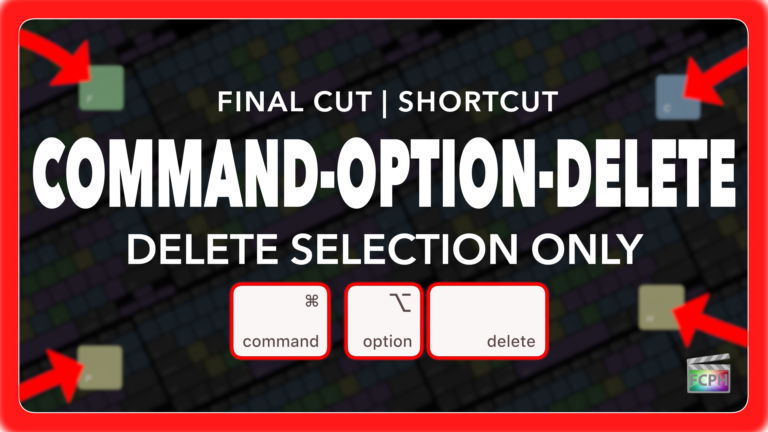
If you’re an editor working in Final Cut Pro, you know how critical it is to maintain precise timing while cutting, trimming, and deleting clips. But…
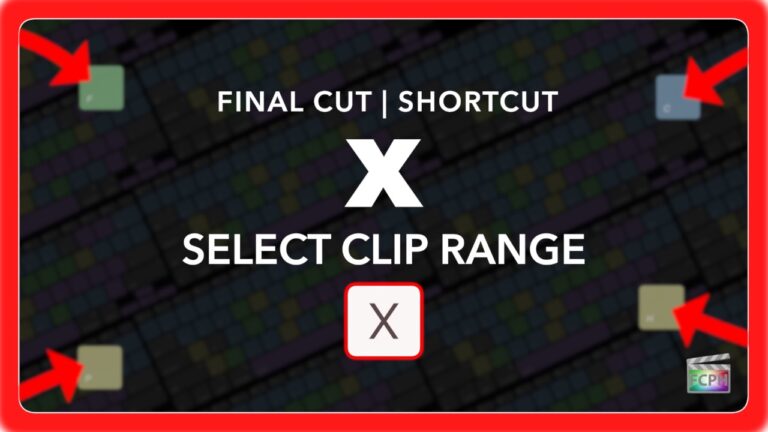
The X shortcut in Final Cut Pro is more useful than many editors realize. When your playhead or skimmer is positioned over a clip, pressing X sets a range…
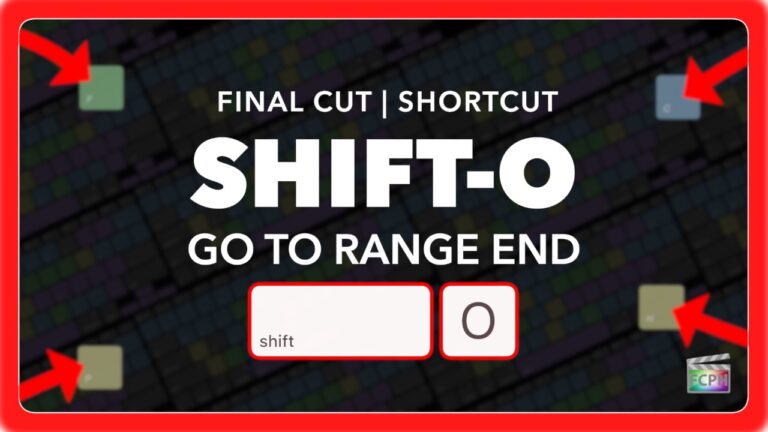
If you’ve ever felt lost navigating your timeline while marking ranges in Final Cut Pro, you’re not alone. Quickly moving between your In and Out points…
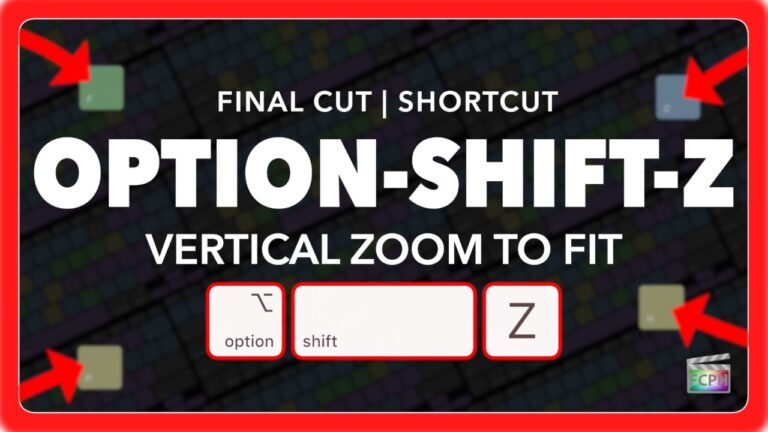
If you're editing videos in Final Cut Pro, you know how important it is to keep your workflow smooth and efficient. One of the lesser-known but incredibly…
As a Final Cut Pro editor, you're likely aware of keyframes and that they are used for animation. Whether you're adjusting position, scale, opacity, or…
If you're an editor working with multicam clips in Final Cut Pro , you know how important it is to have quick access to various camera angles while you…
Ready to take your Final Cut Pro skills to the next level? Book a personalized one-on-one session. Whether you're just starting or looking to master advanced techniques, get expert help tailored to your needs, including Final Cut Pro, Motion, macOS and more. $100 per 30-minute session, live over Zoom.

