Final Cut Pro tutorials
153 posts, newest first. Page 1 of 5.
-

How to Use the Control-Delete Shortcut in Final Cut Pro: A Guide for Editors
If you’re an editor using Final Cut Pro , you know how important it is to stay organized while working with a large amount of footage. Sometimes, certain…
-
Editing A Rough Cut: Final Cut Pro Techniques for Clips, Transitions, Text, and Music
In this video tutorial, we delve into the process of building a rough cut using Final Cut Pro. We start by organizing our imported media and creating a…
-
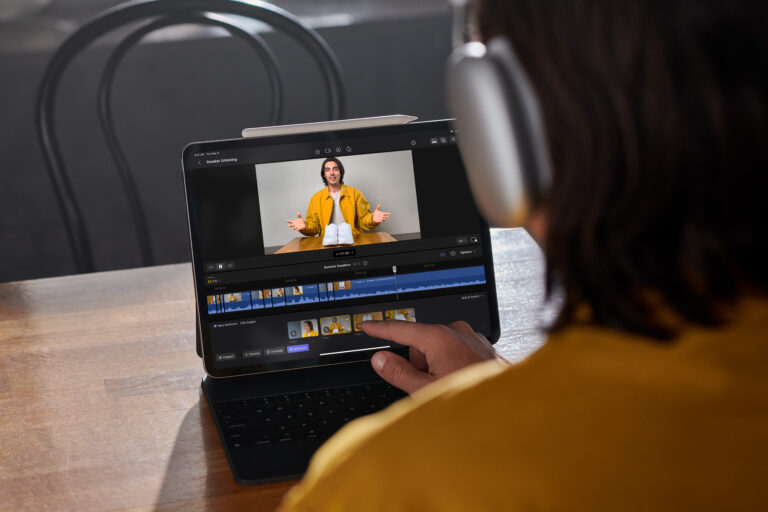
Final Cut Pro Comes to iPad: The Future of Mobile Video Editing
The news that Final Cut Pro is now available on the iPad is a big deal for content creators. With this application, users can
-
Ram
Watch this video for tips about getting a compatible computer for editing video with Final Cut Pro.
-
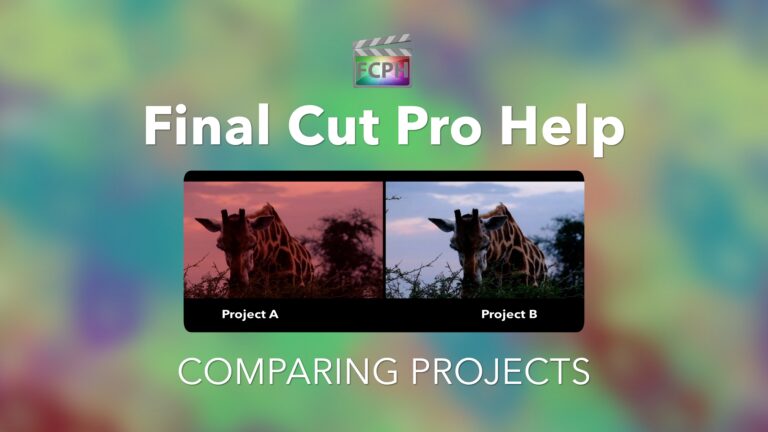
How to compare two projects side by side in Final Cut Pro
Playing back two projects side by side is a helpful way to visually compare them. Final Cut Pro includes a comparison viewer that allows an editor to…
-

How to Download and Use the Final Cut Pro Adjustment Layer Template
If you’re a student of video editing, chances are you’ve heard of Final Cut Pro. It’s one of the most popular and powerful software programs for creating…
-
How to use folders in Final Cut Pro
As the number of clips imported into Final Cut grows so does the usefulness of the Libraries sidebar. Clips are imported into events and those events are…
-
How to make an area of Final Cut active and what that means?
Interacting with Final Cut Pro using keyboard shortcuts is one of the easiest ways to speed up a workflow. The single window design of Final Cut is…
-
Match Color
The process of shooting and editing video can be simple. Press record to capture clips, import and organize them into a timeline, then share it with an…
-
Precision Editor
Final Cut Pro is expertly designed to enable a wide range of editing tools at any given time without cluttering the interface. However, there are times…
-
Retime Editor
Manipulate the playback speed of a clip to create slow-motion using the Final Cut Pro Retime Editor. Select a clip and use the shortcut Command-R to…
-
Multicam Switch Video Angle
Multicam editing with Final Cut Pro empowers editors by combining multiple clips into a single synced multicam clip. Edit the multicam clip by adding it…
-
Add and Delete Markers
Press M to add markers for assisting with navigation, syncing clips, taking notes, and more. The color of the marker indicates type which include blue…
-
Multicam Switching Modes
Final Cut Pro includes powerful features used in multi camera editing workflows. One of these features is the ability to change switching modes. By…
-
Go To Timeline
Keyboard shortcuts enable time-saving commands for all applications including Final Cut Pro. Some apps split the interface into multiple windows which…
-
Copy and Paste Effects
Working on a clip may only take a few seconds to create a simple transformation or it could be hours building a complex special effect. Apply the same…
-
Go To Titles & Generators Sidebar
Use the Final Cut Pro keyboard shortcut Option-Command-1 to trigger the go to Titles & Generators sidebar command. In addition to showing the browser if…
-
Timeline Clip Appearance
Final Cut Pro is primarily a video editing application. The interface includes an area called the timeline where projects are built. Displaying the…
-

Apply Keyword Tags
Gone are the days where changing the file name of a clip was the only way to label it. Final Cut Pro features including smart collections, ratings, and…
-
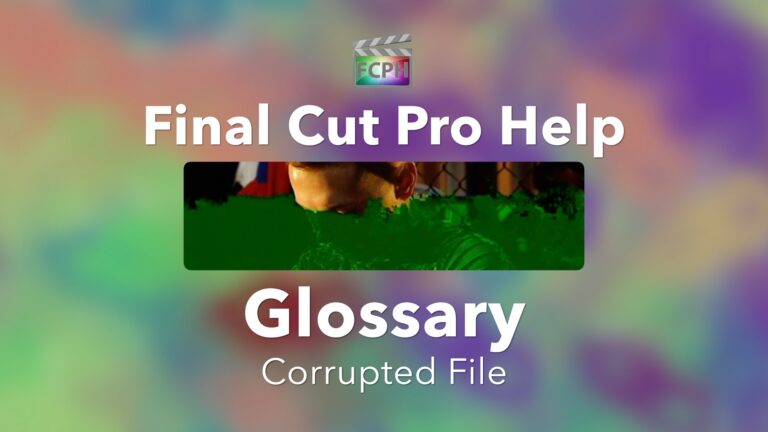
Corrupted File
Final Cut Pro Glossary What does it mean when a file is corrupted? In most cases a corrupt file is one that doesn’t behave as expected or is unusable. A…
-
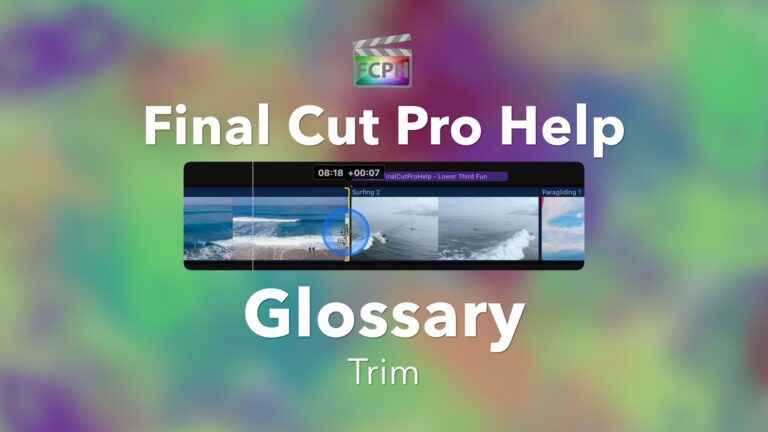
Trim
Final Cut Pro Glossary Trim a clip to make it shorter or longer in the timeline. Like most non linear editing apps, Final Cut Pro includes multiple tools…
-
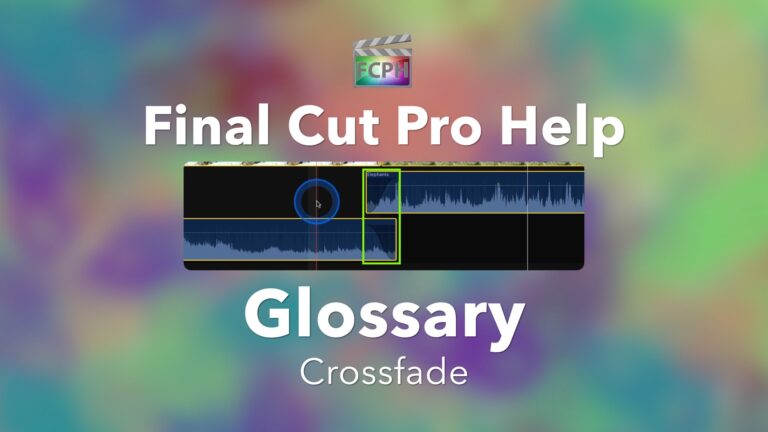
Crossfade
Final Cut Pro Glossary When two pieces of audio overlap, one lowering while the other raises in volume, it is known as a crossfade. Similar to the Cross…
-
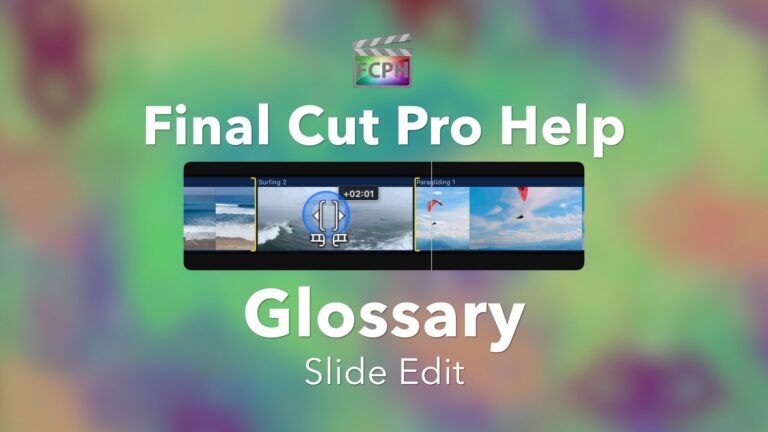
Slide Edit
Final Cut Pro Glossary During a slide edit a clip is moved without changing the clip or project duration. To accomplish this, one of the surrounding clips…
-
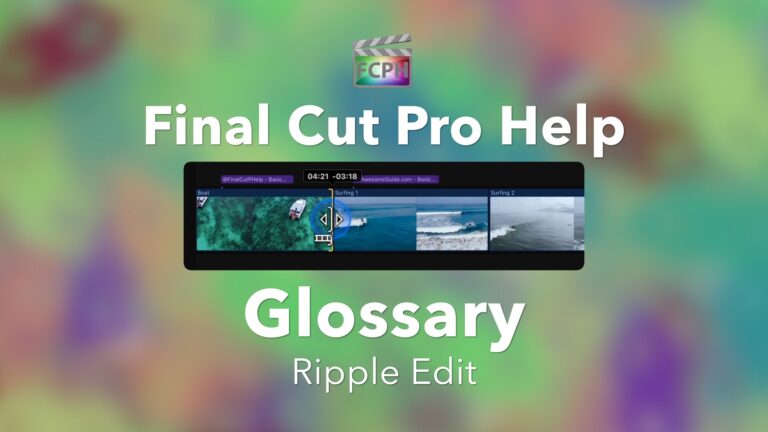
Ripple Edit
Final Cut Pro Glossary When you trim a clip using a click and drag in the timeline, you are preforming a ripple edit. This is done with the default Select…
-

Multicam Editing
Utilize the Multicam feature included with Final Cut Pro to view and edit multiple camera angles.
-
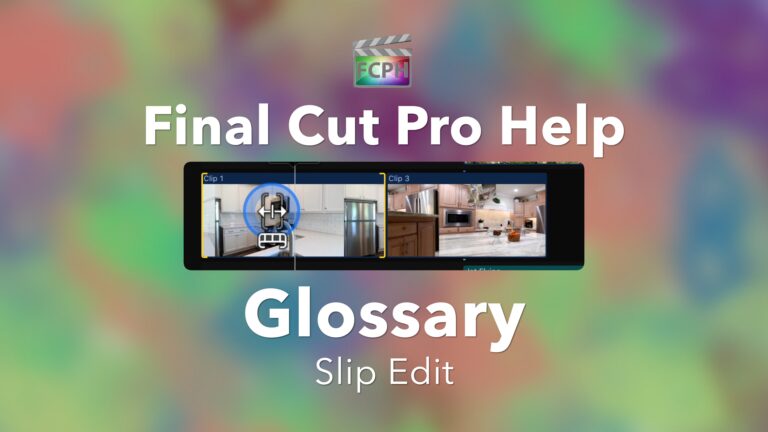
Slip Edit
Final Cut Pro Glossary In a project, move a clips in and out points without adjusting the duration or position of that clip using a Slip Edit.With the…
-
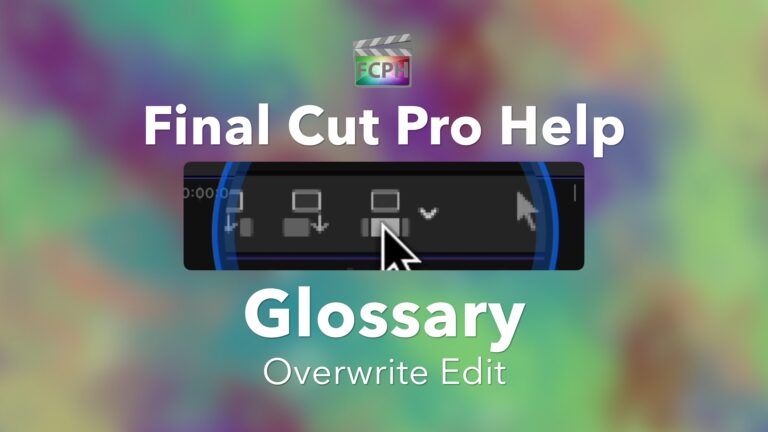
Overwrite Edit
Final Cut Pro Glossary Use an overwrite edit to replace clips in a project with the browser selection. It is important to understand that an Overwrite…
-
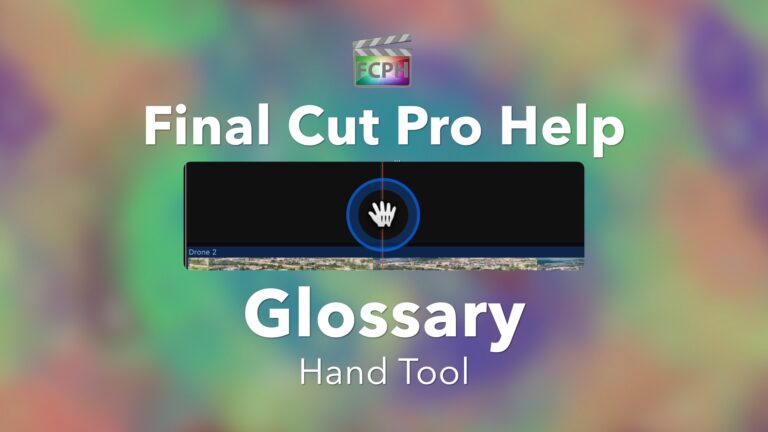
Hand and Zoom Tools
One of the seven tools accessible from the Tools pop-up menu at the top left of the timeline, the Hand tool enables click and drag scrolling in the…
-

Lower Third
Final Cut Pro Glossary A graphic commonly displayed near the bottom of the frame is a lower third. Create a lower third using templates that are included…
-

Trim Tool
Access additional controls used to create advanced edits using the Trim tool.
-
Gear I Use
Many of you have sent messages asking what equipment I use and recommend to create content. The following is a list of the products and services I use on…
-

Range Selection Tool
Save time by using the Range Selection tool to select a portion of a clip. Press the R key to activate the Range Selection tool. Jump to the range start…
-

Blade Tool
Use the Blade tool to create a cut in a clip. All of the Final Cut Pro tools can be temporarily activated by holding the shortcut key, then release the…
-
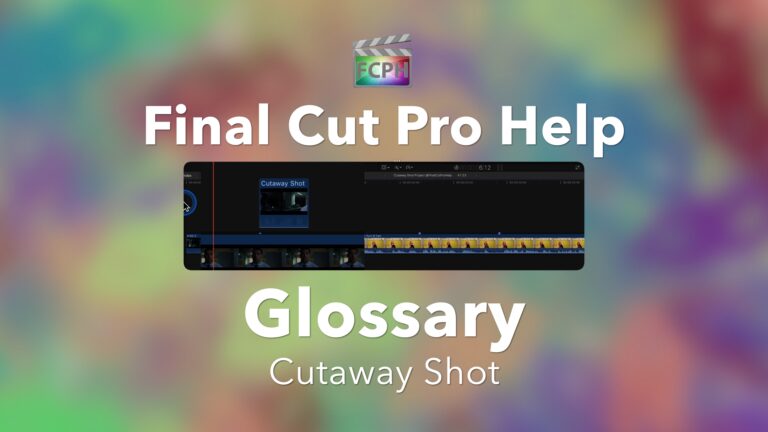
Cutaway Shot
Final Cut Pro Glossary In most cases, an edited video appears as a series of shots that flow together. When one shot instantly changes to another it is a…
-
Review | Titles and Transitions FCPX by vystina
This is a sponsored review of the FCPX Titles & Transitions product from vystina. I was provided the plugin for free and compensation to create this…
-
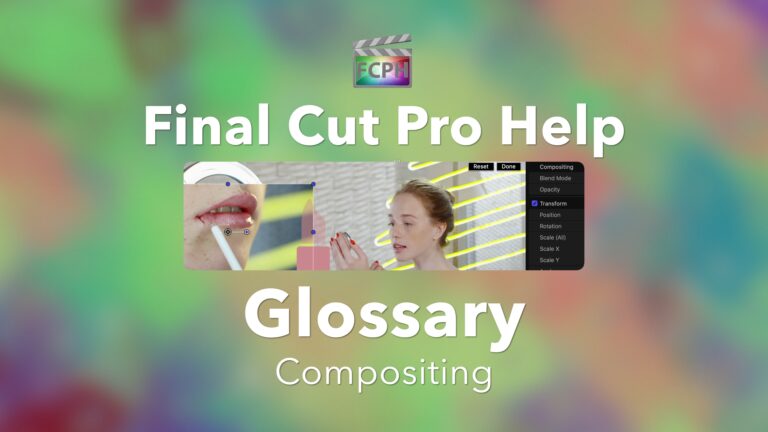
Compositing
Final Cut Pro Glossary Using tools to combine multiple sources into a single image is compositing. You’ve likely seen a picture in picture in which two…