Editing A Rough Cut: Final Cut Pro Techniques for Clips, Transitions, Text, and Music
In this video tutorial, we delve into the process of building a rough cut using Final Cut Pro. We start by organizing our imported media and creating a new project. Learn how to navigate the timeline, add clips, apply transitions, insert text, and incorporate music to create a compelling rough cut.
Discover how Final Cut Pro's Magnetic timeline keeps clips connected, allowing for easy rearrangement and deletion without leaving any gaps. Explore various transitions, including cuts and cross dissolves, to enhance the flow of your video. We also demonstrate the use of connected clips and titles, providing visual overlays to enrich your project.
Furthermore, we showcase the power of sound effects and music in creating an immersive experience. Learn how to access additional content and apply theme music to different sections of your video. We walk you through refining audio transitions and creating a compound clip for cleaner organization.
Join us in this tutorial as we guide you through the steps of building a rough cut in Final Cut Pro. Whether you're a beginner or an experienced editor, this video will expand your editing skills and empower you to overcome any challenges you might encounter.
Feel free to share your comments and let us know what issues you're facing or what's been working well for you in the editing process. Stay tuned for the next video, where we'll continue to build on this rough cut and introduce you to more advanced tools. Happy editing!
Watch all 10 videos in this series here: https://www.youtube.com/playlist?list=PLWXaEpVOjp3yMyu4QQaeS39J8baaEzmnH
In this video
- Create A Project
- How To Close And Open Projects
- Add Clips To A Project
- Transitions
- Adding Text To Create A Title
- Adding Music
- Adjust Audio Levels With Keyframes
- Merge Clips to Create a Compound Clip
Related tutorials
-
Review | Titles and Transitions FCPX by vystina
This is a sponsored review of the FCPX Titles & Transitions product from vystina. I was provided the plugin for free and compensation to create this…
-

Unleashing the Power of Compound Clips in Final Cut Pro
Final Cut Pro Glossary Are you looking for a way to speed up your workflow in Final Cut Pro? If so, then compound clips are the perfect tool for you!…
-
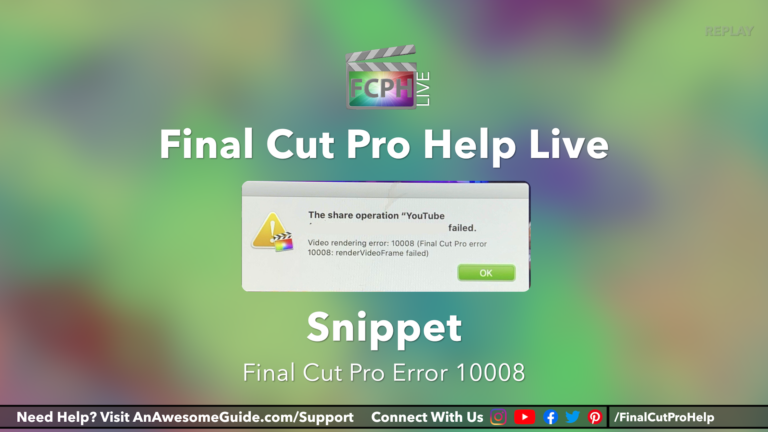
How to Diagnose and Resolve Problems with Sharing in Final Cut Pro Using the Blade, Split Half Search and Other Techniques
If you’ve ever experienced a video rendering error 10008 or similar message while using Final Cut Pro, you know how frustrating it can be. Fortunately…