Final Cut Pro tutorials (page 2)
153 posts, newest first. Page 2 of 5.
-

Position Tool
Drag a clip with the Position tool and it will overwrite other clips on the timeline.
-
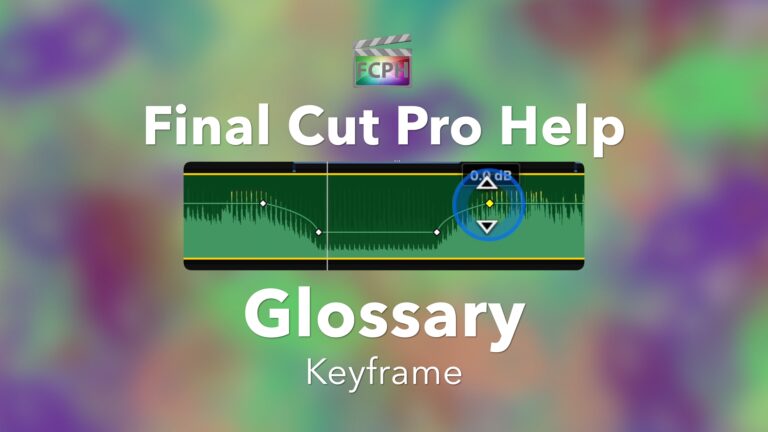
Keyframe
Final Cut Pro Glossary A Keyframe tells something, such as a clips volume level, opacity amount, or other parameter, to be at a specific value at a…
-
Final Cut Pro Help Live (Replay) | Apple Previewed a New Version of Final Cut Pro at WWDC
Video showing WWDC 2020 keynote sourced from Apple Inc. Watch the entire WWDC Keynote at
-
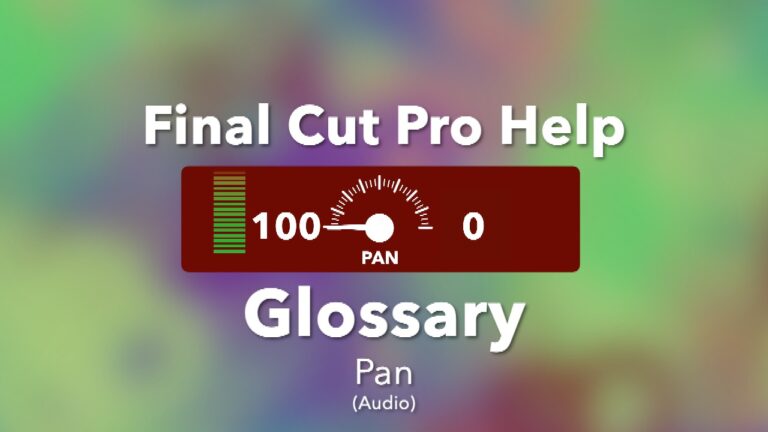
Pan (Audio)
Final Cut Pro Glossary Most devices have the ability to playback two channels of audio, usually left and right, also known as stereo sound. Control the…
-
Share a Transition from Motion to Final Cut
See how to create a new transition with Motion and publish it to Final Cut. Once published used the transition in Final Cut. Return to Motion at anytime…
-

Unleashing the Power of Compound Clips in Final Cut Pro
Final Cut Pro Glossary Are you looking for a way to speed up your workflow in Final Cut Pro? If so, then compound clips are the perfect tool for you!…
-
Create an Ink Splat Composite Effect
Watch this episode of Final Cut Pro Help Live for steps to create an ink splat effect.
-

Placeholder
Final Cut Pro Glossary As video editors, we know post-production takes time. When all assets needed to complete a project are not available, get started…
-
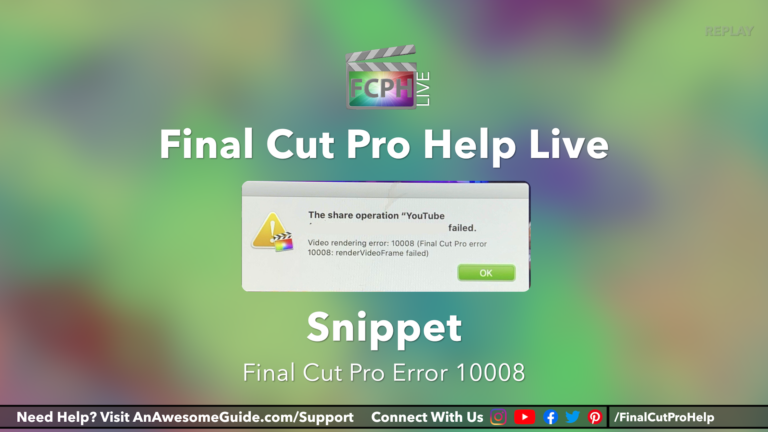
How to Diagnose and Resolve Problems with Sharing in Final Cut Pro Using the Blade, Split Half Search and Other Techniques
If you’ve ever experienced a video rendering error 10008 or similar message while using Final Cut Pro, you know how frustrating it can be. Fortunately…
-
Custom Shape Masks
Final Cut Pro includes both simple and complex effects for creating masks. All of the included mask effects are discussed in this episode of Final Cut Pro…
-

Spatial Conform
Final Cut Pro Glossary Final Cut Pro makes it simple to add clips with various resolutions to a project. When the resolution of a clip is different from…
-

Final Cut Pro Help Live (Replay) | Demo | Split Screen Template Update 1.3
Follow along with the same media. Go to EditStock.com and use coupon code FCPHELP www.editstock.com/discount/FCPHELP
-

Motion | Match Move
Motion is an app developed by Apple Inc. and commonly used with Final Cut Pro. Behaviors are applied to objects in Motion to create animation. One of the…
-

Create a Title Template with Motion
Use Motion to create a reusable title template for use in Final Cut Pro.
-

Snapping
Final Cut Pro Glossary While skimming a project, have you noticed the skimmer doesn’t move smoothly across clips? This happens when Snapping is enabled…
-

GarageBand | Final Cut Pro Help Live
Quickly create simple background music using GarageBand. Click this link to watch the full replay of this Final Cut Pro Help Live episode
-

Final Cut Pro | Effects | Split Screen
This Split Screen Effect is for Final Cut Pro* and makes displaying multiple clips on the screen at the same time easy. This video demos the…
-

Project
Final Cut Pro Glossary While editing with Final Cut, you have likely seen the terms Library, Event, Clip, and Project. They are generic terms but in Final…
-

Animating With The Transform Tool | Final Cut Pro Help Live
Watch this snippet from a recent episode of Final Cut Pro Help Live to better understand how to use the Transform Tool. Click this link to watch the full…
-

Audio Lanes
Final Cut Pro Glossary Rearranging audio clips on the timeline based on their assigned role can improve the editing experience. Click View-Show Audio…
-

Creating Text That Slides Onto The Screen | Final Cut Pro Help Live
Learn how to add keyframes to animate text so that is slides onto the screen. Click this link to watch the full replay of this episode of Final Cut Pro…
-

Final Cut Pro | Generators | Using the Charts Starter Pack
The Charts Starter Pack includes 4 customizable Final Cut Pro Generators to assist in presenting data in a project. Charts Starter Pack is available at …
-
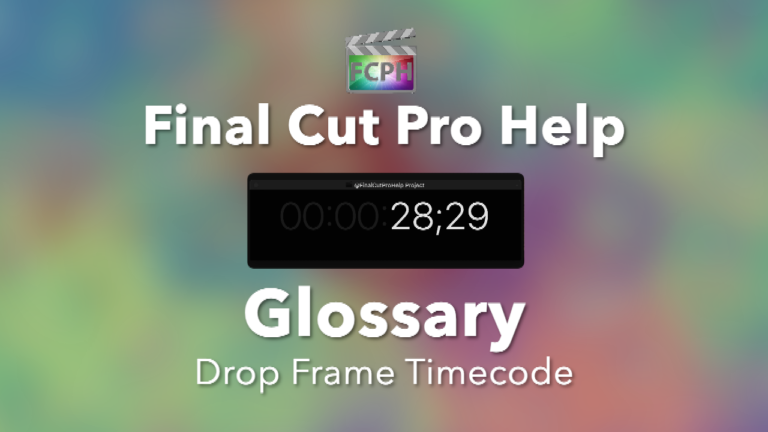
Drop Frame Timecode
Final Cut Pro Glossary Drop Frame Timecode is listed as Hours:Minutes:Seconds;Frames Example:
-
Media Stems
Final Cut Pro Glossary Use the Final Cut Pro Share menu and the Roles tab to create media stems by exporting groups of clips based on their assigned role…
-

Adding Text to Video | Final Cut Pro Help Live
This snippet includes how to add text onto a video clip and group them into a compound clip. Click this link to watch the full replay of this episode of…
-

Final Cut Pro Help Live (Replay) | Sliding Text From Off Screen, Creating a Template Library & More
Watch this replay of Final Cut Pro Help Live or click a link below to jump to a specific topic:
-

Motion 5 | Stabilize Behavior
This video describes how to use the Stabilize Behavior in Motion to create a camera movement to match the subjects head movement.
-

Copy and Paste Attributes | Final Cut Pro Help Live
How to replace an image or clip while keeping the effects and other attributes from the original clip.
-

How to share to H.264 in Final Cut Pro and should I? | Final Cut Pro Help Live
How to share to H.264 in Final Cut Pro and should I?: a free Final Cut Pro video tutorial from An Awesome Guide with Apple Certified trainer Jared Ewing.
-

Enhancing Transitions With Sound Effects | Final Cut Pro Help Live
Use these steps to enhance transitions with sound effects (SFX). A free video tutorial from An Awesome Guide with Apple Certified trainer Jared Ewing.
-

Merging Final Cut Pro Projects | Final Cut Pro Help Live
A few ways to combine (merge) projects together. A free video tutorial from An Awesome Guide with Apple Certified trainer Jared Ewing.
-

Editing A Clip In The Browser | Final Cut Pro Help Live
Changing a clips appearance in the browser. A free video tutorial from An Awesome Guide with Apple Certified trainer Jared Ewing.
-

Separating Audio Channels | Final Cut Pro Help Live
How to separate audio channels. A free video tutorial from An Awesome Guide with Apple Certified trainer Jared Ewing.
-
What to do if it looks like everything is gone | Final Cut Pro Help Live
If it looks like everything is missing when you open Final Cut Pro, try these steps to get everything back.
-

Creating a DVD | Final Cut Pro Help Live
Use these steps to share a finished project to a DVD. A free video tutorial from An Awesome Guide with Apple Certified trainer Jared Ewing.
-

Creating Flash Frames | Final Cut Pro Help Live
This video shows a few ways to create flash frames. A free video tutorial from An Awesome Guide with Apple Certified trainer Jared Ewing.