Final Cut Pro X Tutorial: How to Create a Custom Project for Social Media (Vertical, Square, Etc.)
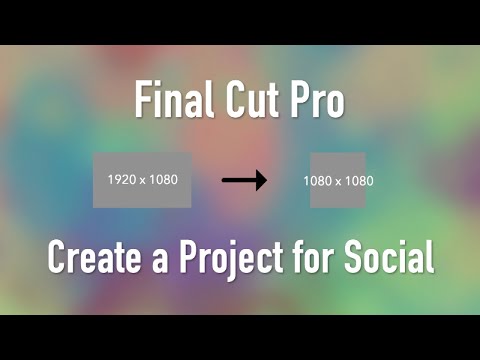
In this Final Cut Pro X tutorial, we will guide you through the process of creating a custom project for social media. With the increasing popularity of social media platforms such as Instagram, Facebook, and TikTok, it's important to create videos that are optimized for each platform's specific settings.
We'll start by showing you how to create a custom project and selecting the right settings for social media. We'll cover important considerations such as resolution, frame rate, and aspect ratio.
Next, we'll guide you through the process of adding and fitting video within your project. You'll learn how to properly scale and position your footage, and how to add titles and captions to enhance your videos for social media.
Whether you're a seasoned editor or a beginner, this tutorial is perfect for anyone looking to create videos optimized for social media. So, let's dive in and start creating!
Follow @FinalCutProHelp and reach out at AnAwesomeGuide.com/Support
In this video
- Find the Settings
- Creating a Custom Project
- Selecting a Frame Rate for Social Media
- What format is your video?
- Build the Project
- What is the Spacial Conform Setting?
- Adjusting Video
Related tutorials
-

Create Your Ideal Editing Space: Final Cut Pro X Custom Workspace Tutorial
When it comes to video editing, having a workspace that is tailored to your needs can greatly improve your workflow and make the process more efficient…
-

Final Cut Pro X Tutorial: How to Create Custom Metadata Fields
In this tutorial, we'll show you how to create custom metadata fields in Final Cut Pro X. Custom metadata fields can help you organize your footage and…
-

Motion 5 Tutorial: How to Create Eye-Catching Callout Titles for Your Videos
Want to make your videos more engaging and informative? In this tutorial, we show you how to create eye-catching callout titles in Motion 5. With this…