Final Cut Pro X | Sharing to Instagram

Remember, Instagram is compressing the video after you upload it to them. Their compression is great because it allows videos to load instantly when people are scrolling through their Instagram feeds. The downside is the compression Instagram applies can make your video look low in quality. For a deeper explanation, watch this segment of the Final Cut Pro Help Live | Creating Content and Sharing to Instagram episode https://www.youtube.com/watch?v=-5NurI8MFbo&t=2565s
In this video
- Overview
- Check Instagram Video Requirements
- Share as Master File
- Change the Video Codec to make a smaller file
- Move the file to a phone using AirDrop
- Creating a post with Instagram
Related tutorials
-
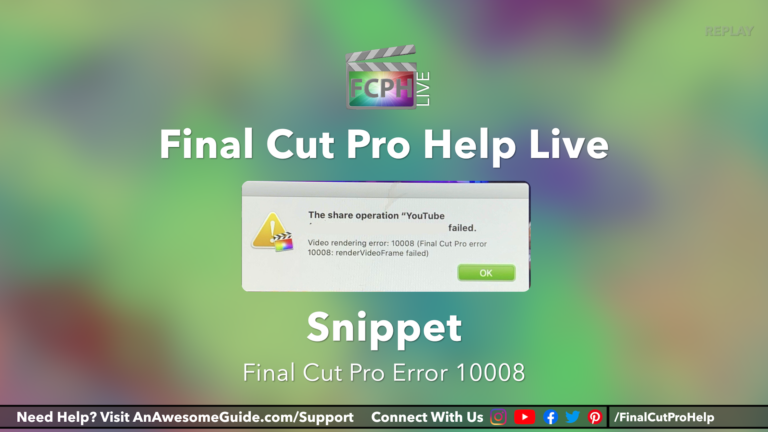
How to Diagnose and Resolve Problems with Sharing in Final Cut Pro Using the Blade, Split Half Search and Other Techniques
If you’ve ever experienced a video rendering error 10008 or similar message while using Final Cut Pro, you know how frustrating it can be. Fortunately…
-
Sharing to YouTube
Sharing to YouTube: a free Final Cut Pro video tutorial from An Awesome Guide with Apple Certified trainer Jared Ewing.
-

Widescreen to Vertical for Instagram 16x9 to 9x16 | Final Cut Pro Help Live
This is a snippet from a recent Final Cut Pro Help Live show. The question was: How do I convert a landscape video to vertical for mobile?